Sales you can see
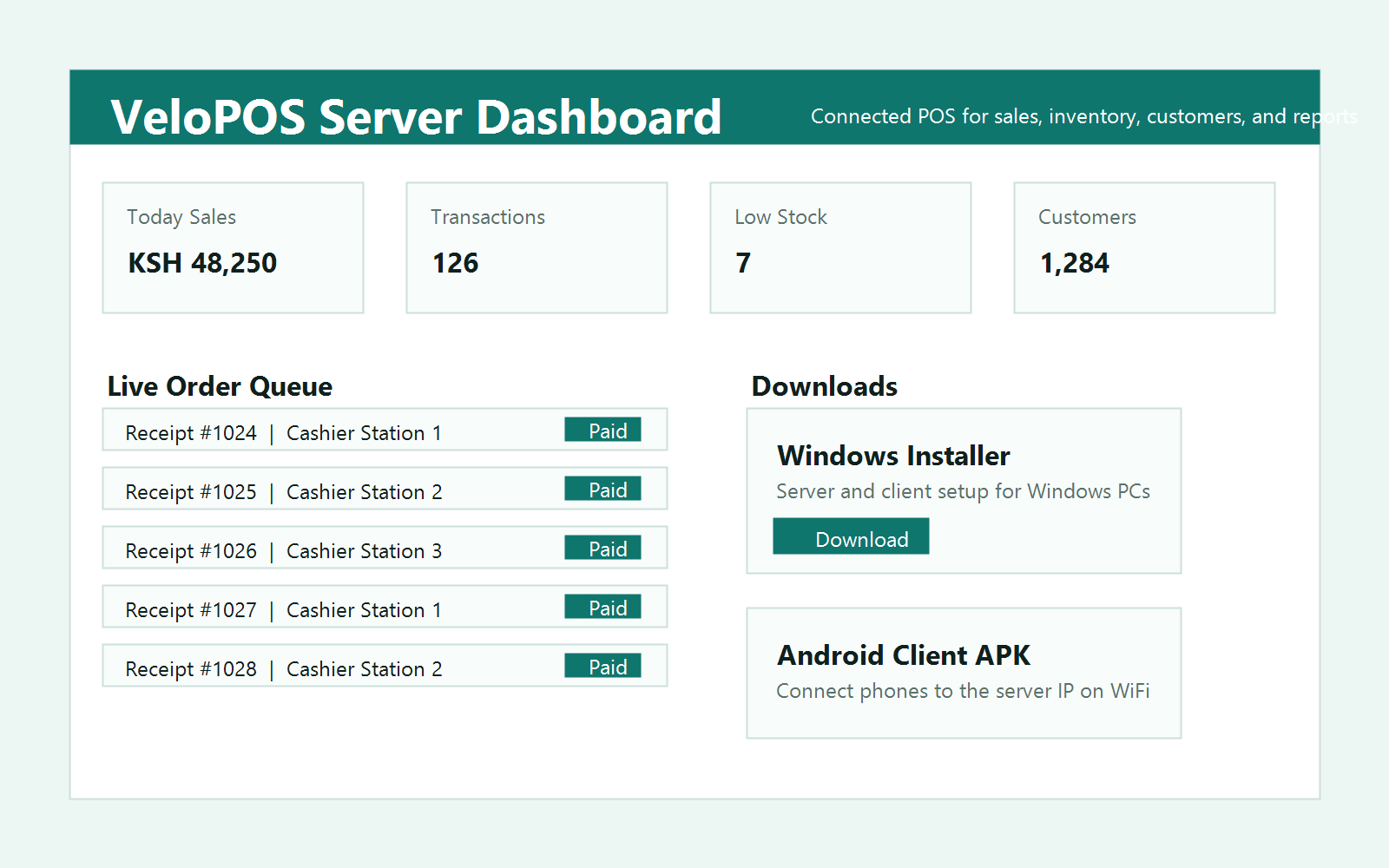
Track top sellers, slow stock, and daily totals at a glance — then decide with numbers, not guesswork.
Top choice for growing Kenyan businesses
Sales, stock, staff, and payments for shops, restaurants, salons, clinics, and nine more business types — on one cloud account across browser, Windows, and Android.
Sales, services, inventory, customers, staff permissions, and reports live in one account — every till, phone, and laptop sees the same data in real time.
Track top sellers, slow stock, and daily totals at a glance — then decide with numbers, not guesswork.
Take mobile money alongside cash and match every reference to its sale — reconciliation in minutes.
Issue compliant invoices from the same screen you sell on. No second system, no end-month panic.
Register once and sign in from anywhere. Your products, sales, customers, staff, and reports come from the same cloud account whether you're on a browser, a Windows till, or an Android phone.
No tiers, no add-ons, no per-till charges. Every business gets the full platform — and every app — for one flat monthly amount.
Online POS, Windows installer, Android client, products, services, customers, staff permissions, and reports.
Start now Pay by M-Pesa. Cancel any time.Download the Windows installer or the Android APK, then sign in with your FlowDeskPOS account.
Enter your business details and admin login. Your account is ready immediately.
Pay by M-Pesa and record the reference. Your account stays active month to month.
Open the browser POS right away, or install the Windows and Android apps at your tills.
Looking for the FlowDeskPOS backend...
Send a message and the team responds by email. You can also reach us directly:
One account for the browser POS, the Windows app, and the Android app — with M-Pesa and eTIMS built in.
Sign in to manage sales, products, staff, reports, and your subscription.
Enter your credentials to access your dashboard
Don't have an account? Register your business